Securing Your Phone and Computer Basics
Four calm habits protect almost everything that goes wrong for regular people, and all of them fit into a single…
 Maya Iyer
Sep 7, 2026
6 min read
Maya Iyer
Sep 7, 2026
6 min read
Press Esc to close. Try “phishing”, “router”, or “two-factor”.

Lock down the laptops and phones you use every day: updates, malware, backups and lost-device plans.
Four calm habits protect almost everything that goes wrong for regular people, and all of them fit into a single…
Maya Iyer
Sep 7, 2026
6 min read
Your phone and computer already include strong protection. Here is when the built-in tools are enough and when paying for…
Maya Iyer
Aug 20, 2026
5 min read
Ten minutes now gives you a map, a remote lock, and a real shot at recovering a lost phone or…
Maya Iyer
Aug 2, 2026
5 min read
Extensions can read every page you open, including your bank. Here are the common habits that hand that access to…
Maya Iyer
Jul 27, 2026
5 min read
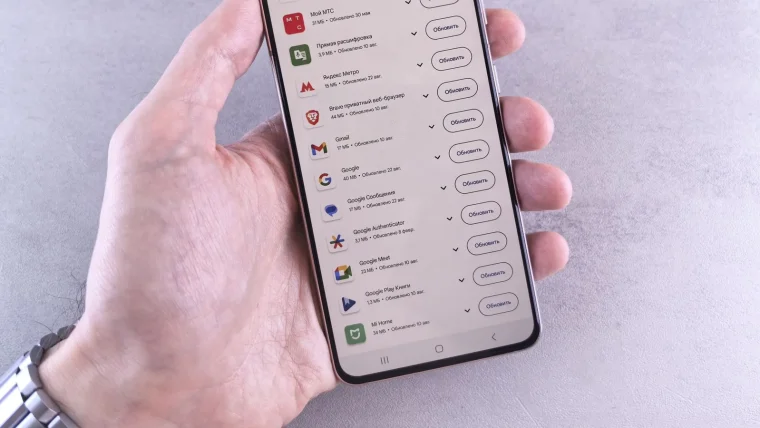
Most updates quietly fix security holes, and the gap between a fix being released and you installing it is exactly…
Maya Iyer
Jul 25, 2026
5 min read
From odd pop-ups to battery drain, these are the eight signs your phone or computer may be infected, plus what…
Maya Iyer
Jul 24, 2026
5 min read
Set your phone, computer, apps, and browser to update themselves once, and security fixes install on their own from then…
Maya Iyer
Jul 22, 2026
5 min read
Back up, sign out, then erase in the right order so your photos, logins, and files leave with you, not…
Maya Iyer
Jul 21, 2026
5 min read
Automatic cloud backup plus one external drive protects your photos and files from theft, spills, ransomware, and plain bad luck.
Maya Iyer
Jul 19, 2026
5 min read
A clear, ordered walkthrough to scan, remove threats, and secure your accounts afterward, with no tech support phone call ever…
Maya Iyer
Jul 18, 2026
5 min read
An aging phone or laptop can run fine and still be unsafe. Here is how to tell when careful use…
Maya Iyer
Jul 16, 2026
5 min read
A strong lock and hidden previews turn a lost phone from a disaster into a minor annoyance, and setup takes…
Maya Iyer
Jul 15, 2026
5 min read