The average home quietly fills up with smart devices one gift and one impulse buy at a time. A voice speaker here, a video doorbell there, a plug that turns the lamp on at dusk. Each feels like a small convenience, and each is actually a tiny internet-connected computer sitting on your network.
That is not a reason to fear them. It is a reason to spend one afternoon setting them up properly, because a smart home is only as safe as its weakest gadget.
Key takeaways
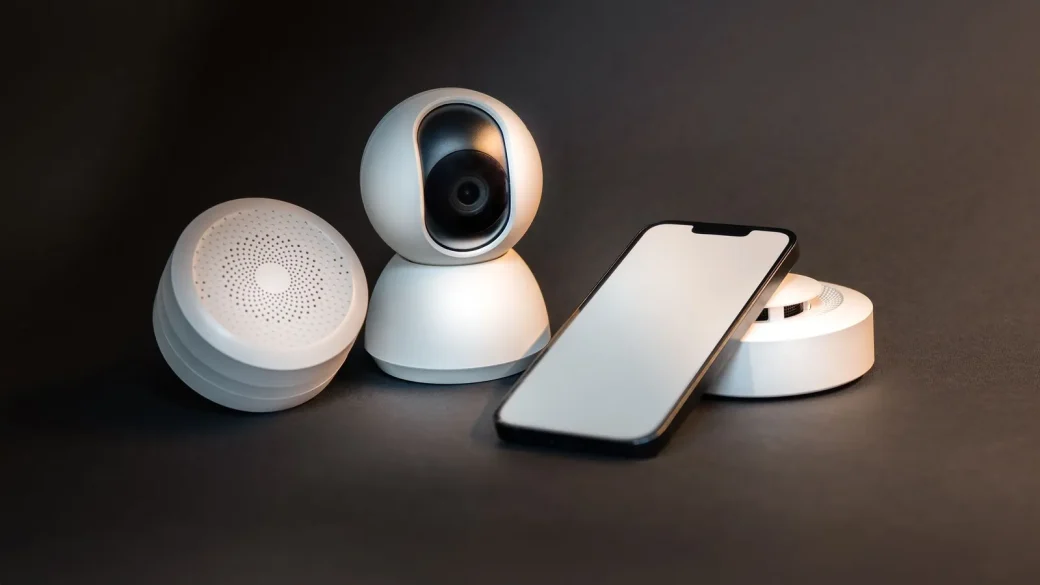
- Every smart device is a small computer, and each one is a possible way onto your network.
- Changing default passwords and keeping firmware updated handles most of the risk.
- Putting gadgets on a guest network isolates them from your phones and laptops.
- Cameras and microphones deserve extra care because a breach is so personal.
- Buying from established brands that publish updates saves you trouble later.
Why cheap gadgets create real risk
Smart devices are often built to a price, and security is where corners get cut. Many ship with a default password, run software that rarely gets updated, and phone home to servers you know nothing about.
An attacker who compromises one weak device can use it as a foothold to reach the rest of your network. That is why smart-home safety is a pillar of our home and family cybersecurity basics, not an afterthought. The gadgets are handy, but they need a little discipline.
Change every default password and use unique ones
The first thing any smart device needs is its own strong, unique password, set during initial setup. Devices that ship with a factory default like admin or 0000 are trivially easy to hijack, because those defaults are public knowledge.
Use a password manager so each gadget’s login is different. If one device or its associated account leaks, unique passwords stop that breach from spreading to the others. Reusing one password across every smart thing you own turns a single leak into a whole-home problem.
The bigger risk is often the cloud account tied to the device, not the gadget itself. Secure the account you log into on the app with a strong unique password and two-factor authentication, since that account can usually control the device from anywhere.
Keep firmware and apps updated
Smart devices get security fixes through firmware updates, just like your phone and router do. A gadget running old firmware may carry flaws that attackers scan for automatically across the internet.
Open each device’s app and look for a firmware or software update option, usually under settings or device info. Turn on automatic updates wherever they are offered. For the app itself, keep it current through your phone’s app store so the controls stay patched too.
When you are shopping for a new smart device, check whether the brand promises a specific number of years of security updates. A slightly pricier gadget with a real update policy is safer than a bargain one that gets abandoned in a year.
Isolate your gadgets on a separate network
The single most protective move for a smart home is to keep these devices off the same network as your computers and phones. If a smart bulb is ever compromised, you want it stuck somewhere it cannot reach the laptop with your bank statements.
A guest network is the easy way to do this. Our step-by-step guide to setting up a guest Wi-Fi network shows how to create one and move your gadgets onto it, so a hacked device lands in a walled-off space with nothing valuable nearby.
When I helped a relative sort out their smart home, moving everything to the guest network was the change that gave them the most peace of mind. It took an afternoon of reconnecting, and now their sensitive devices sit on their own protected side.
Turn off features you do not use
Smart gadgets arrive with every feature switched on, including ones you may never touch. Each extra feature is a small extra risk, so trim the ones you do not need.
| Feature | What to consider | Suggestion |
|---|---|---|
| Remote access | Lets you control the device from outside home | Keep only if you truly use it |
| Always-listening mic | Speakers and some hubs listen constantly | Mute when not needed; review recordings |
| Universal Plug and Play | Lets gadgets open router ports on their own | Disable on your router |
| Third-party integrations | Extra apps linked to your device account | Remove ones you no longer use |
Give cameras and microphones extra attention
All smart devices deserve care, but the ones with cameras and microphones deserve the most. A breached plug is a nuisance; a breached camera is a genuine violation of your home.
Give every camera a strong unique password, turn on two-factor authentication in its app, and make sure its feed is not accidentally exposed to the public internet. Our dedicated guide to keeping your smart cameras from being hacked walks through the settings that matter most.
Mind where cameras point
Placement is part of security too. Aim indoor cameras at entryways and shared spaces rather than bedrooms or bathrooms, and think about what a stranger would see if the feed were ever exposed. A little restraint here saves a lot of worry.
Many smart speakers let you review and delete your voice recordings, and some let you stop humans from reviewing them for quality. It is worth a few minutes in the app to check those privacy settings.
Retire old gadgets responsibly
When a device stops getting updates or you replace it, do not just unplug it and forget it. An abandoned gadget still on your network is a lingering risk with no one watching over it.
Remove it from your account, factory reset it to wipe your data and Wi-Fi details, and take it off your network. If you are selling or donating it, the reset step keeps the next owner from inheriting your information.
For an independent, no-hype rundown of these habits, the FTC’s advice on connected devices at consumer.ftc.gov lines up closely with everything here.
Your afternoon checklist
- List every smart device on your network so you know what you actually have.
- Change any default password and give each device a unique one from your manager.
- Secure the cloud account behind each device with a strong password and two-factor login.
- Update the firmware on every gadget and turn on automatic updates.
- Move your smart devices onto a guest network to isolate them.
- Turn off remote access, unused integrations, and features you do not need.
- Give cameras extra care with two-factor login and thoughtful placement.
- Factory reset and remove any device you no longer use.
Smart devices earn their keep once you set them up with a little care, and the whole sweep fits into a single relaxed afternoon. Start by listing what you own, then work through them one at a time. A home full of gadgets can absolutely be a safe one; it just needs you to have set the terms.