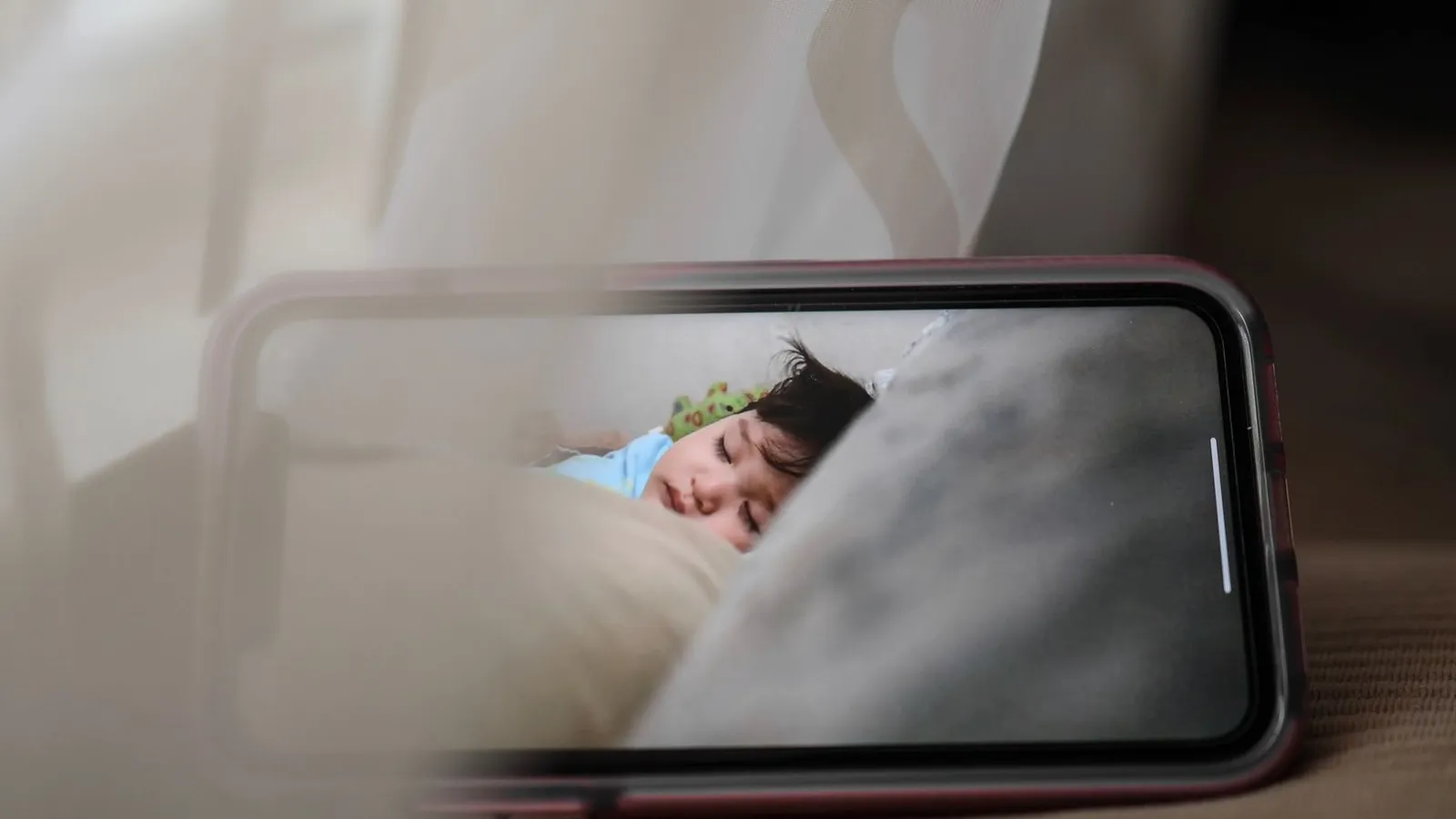
At around two in the morning, Maria heard a voice coming from her daughter’s nursery. It was calm, adult, and unfamiliar, and it was speaking through the baby monitor. By the time she reached the room, the camera had swiveled on its own to follow her.
Her family was not careless. They had bought a well-reviewed smart monitor, connected it to their Wi-Fi, and used it exactly as intended. What they had skipped were three small settings, and that is the whole story of how a stranger ended up watching their child sleep.
Key takeaways
- The monitor was reachable because it used a default password and had remote viewing left on.
- The family found out only when the intruder spoke; there was no obvious warning beforehand.
- Three changes (a unique password, two-factor login, and disabling remote access) would have shut the door.
- Any internet-connected camera in your home deserves the same quick check, not just baby monitors.
How the intruder got in

The monitor was a small camera that connected to the family’s Wi-Fi and streamed video to a phone app. Convenient, and also a tiny internet-connected computer sitting in a child’s room.
Two problems made it reachable from outside. First, the family had kept the app’s default password, the same one printed in the manual and shared across thousands of identical units. Second, remote viewing was switched on, so the camera’s feed was accessible over the internet rather than only on the home network.
Attackers run automated tools that scan the internet for exactly this: cameras exposed online, still using factory passwords. The intruder did not target this family personally. Their monitor simply answered when the scan came knocking.
Default passwords for popular camera models are searchable in seconds. If you have never changed the password on a connected camera, treat it as though it has none at all.
How they realized something was wrong
There was no pop-up, no email, no red light. The first sign was the voice, which is how many of these stories go.
In hindsight, Maria remembered smaller oddities: the camera occasionally pointing at the door when she was sure she had left it facing the crib, and the app once showing it was being viewed when nobody in the house was watching. At the time, each seemed like a glitch.
That delay is the frightening part. A compromised camera can be watched quietly for weeks, because nothing about the live feed looks different to the owner.
There are a few signs worth knowing. A camera panning or tilting when nobody triggered it, a status light coming on at odd hours, a sudden spike in your internet usage, or the app listing an unfamiliar logged-in session all deserve a second look. Any one of them is a prompt to change the password immediately.
You can check whether your email or accounts have appeared in known data breaches at haveibeenpwned.com. Reused passwords from old breaches are a common way attackers reach smart-home accounts.
The three settings that would have stopped it
None of the fixes required technical skill. Each took a couple of minutes in the camera’s app.
1. A unique password
Changing the default to a long, unique password would have closed the main door. This is true for the camera account and, where separate, the device itself. A password manager makes storing an odd, strong password effortless.
2. Two-factor login
Turning on two-factor authentication on the camera app means a stolen or guessed password is not enough on its own. Most reputable camera brands now offer it in account settings, and it is one of the highest-value toggles in the app.
3. Disabling remote access when unused
If the family only ever viewed the monitor from inside the house, remote access was an open door they never used. Turning it off, or restricting it, would have removed the exposure entirely. Our full guide on how to keep your smart cameras from being hacked walks through these settings brand by brand.
| Setting | What the family had | What it should have been |
|---|---|---|
| Account password | Factory default | Long, unique, stored in a manager |
| Two-factor login | Off | On |
| Remote viewing | On, though never used remotely | Off or restricted |
| Firmware | Outdated | Updated, auto-update enabled |
What the family did afterward
Their first move was to unplug the camera and stop the immediate access. Then they reset it, set a strong unique password, enabled two-factor login, and updated the firmware before plugging it back in.
They also went around the house and gave the same treatment to their doorbell camera and a smart plug they had forgotten about. That wider sweep is the real lesson: the monitor was the one that spoke, but it was not the only exposed device.
When I helped a neighbor after a similar scare, we found four connected devices she had never logged into since setup. Every one used a default password. The camera that got noticed was simply the loudest of several open doors.
Doing this at your own house
You do not need a scary story of your own to act. A single afternoon covers every connected device you own.
Cameras are the highest priority because they see and hear, but the same care applies to speakers, plugs, and thermostats. Our guide to securing your smart home devices covers the whole set, and the household-wide overview in home and family cybersecurity basics ties it to your network and accounts.
Your afternoon checklist
- List every internet-connected camera in your home, including doorbells and pet cameras.
- Change each one from its default password to a long, unique one stored in a password manager.
- Turn on two-factor login for every camera app that offers it.
- Disable remote viewing on cameras you only watch from inside the house.
- Update the firmware on each device and enable automatic updates.
- Physically point cameras away from beds and private areas when they are not needed.
- Repeat the password and two-factor steps for smart speakers, plugs, and thermostats.
- Delete any old camera accounts or devices you no longer use.
Maria’s family kept the monitor; they just set it up the way it should have been from the start. The stranger’s voice was terrifying, but the fix was almost boringly simple, and that is the part worth remembering.