My dad called me one Sunday, half embarrassed, because a pop-up on his laptop said his computer was infected and gave a number to call. He had not called it yet, which is the only reason the story has a happy ending. But it showed me how thin the safety margin was for someone facing this alone.
Setting up security for an older relative is not about taking over their digital life. It is about building a few quiet guardrails so a single scary moment does not become a drained bank account, while they keep running their own accounts with confidence.
Key takeaways
- The goal is protection plus independence, not surveillance or taking control away.
- Lock down the phone, email, and bank first, since those are the highest-value targets.
- A password manager and a trusted backup contact prevent both scams and lockouts.
- The best defense is a calm agreement to “call me before you click,” rehearsed ahead of time.
Start with a conversation, not a takeover
Before you touch a single setting, talk. Older relatives can be sensitive about feeling managed, and rightly so. Frame this as helping them stay independent and safe, because that is exactly what it is.

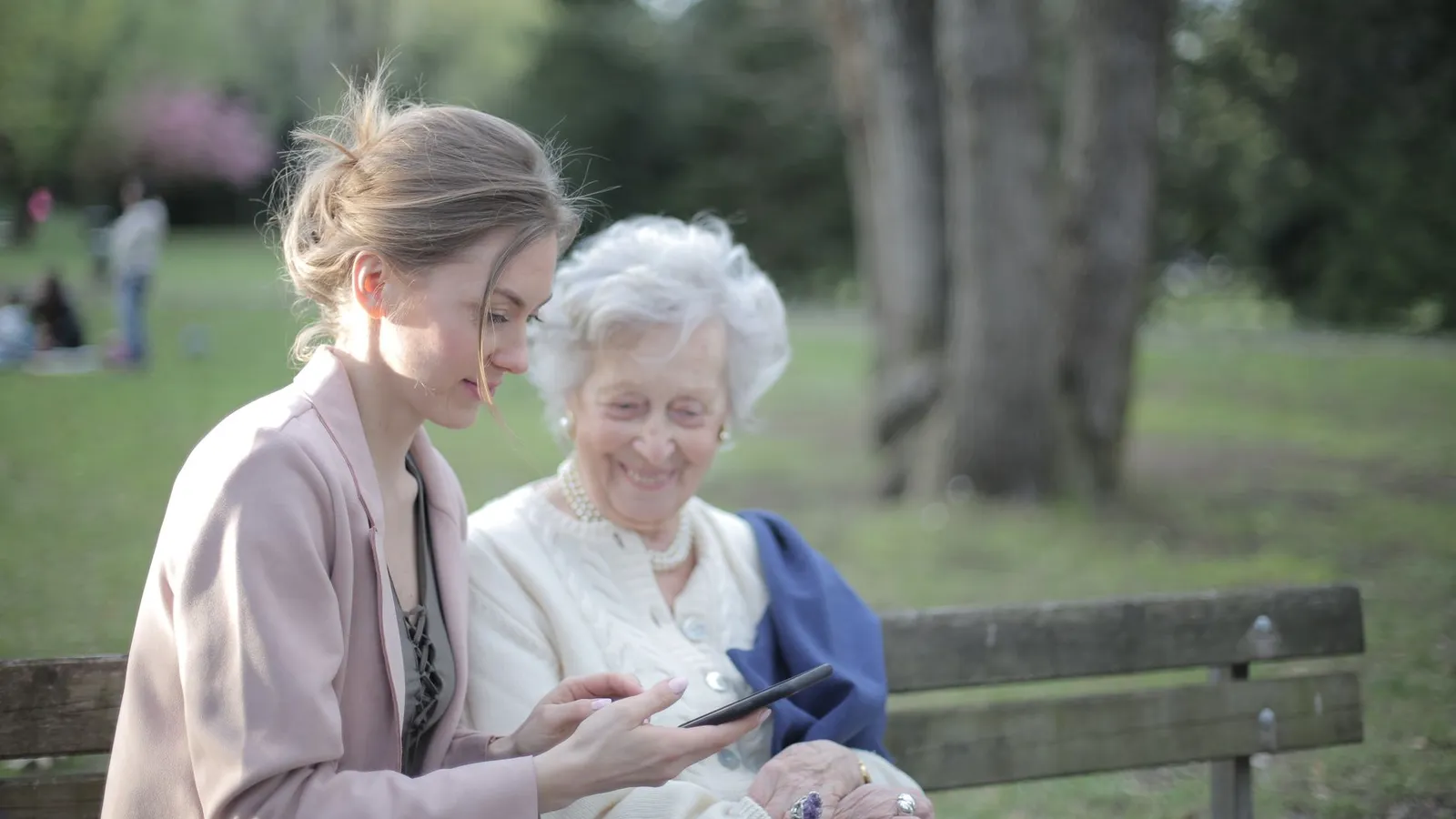
Ask what worries them. Many older adults already feel uneasy about scams and are relieved to have help. Let them keep ownership of their accounts while you set up the safety net together, side by side, so they learn where things are.
This whole effort fits inside the broader work of protecting everyone under one roof, which we lay out in our home and family cybersecurity basics. The difference here is pacing: go slow, explain each step, and write things down.
Lock down the phone and its lock screen
The phone is the front door to everything else, so start there. Make sure it has a passcode or, better, a fingerprint or face sign-in, since those are both more secure and easier for shaky hands than typing a code.
Turn on automatic software updates so security patches install themselves. Enable Find My iPhone or Find My Device so a lost phone can be located, locked, or wiped remotely.
Bump up the text size and screen brightness while you are in the settings. Scams thrive on confusion, and a screen your relative can actually read is a genuine security feature, not just a comfort one.
Protect the email and bank accounts
Email is the master key, because password resets for everything else land there. If a scammer gets into the email, they can walk into the bank next. So the email account deserves the strongest lock you can put on it.
Turn on two-factor authentication for their email and bank. Set it up together so they understand the extra code that arrives, and save the backup codes somewhere safe in case they change phones.
Set up fraud alerts at the bank
Most banks let you turn on text or email alerts for transactions over a chosen amount, or for any online purchase. Switch these on. An alert that pings both your relative and, where possible, you gives an early warning if something is wrong.
Never set up a system where you have full remote control of an elderly person’s bank account unless it is a formal, agreed arrangement. The goal is early warning and a helping hand, not control that could be abused or that removes their autonomy.
Simplify passwords with a shared safety net
Older relatives often reuse one password everywhere or keep a paper list. A password manager fixes both problems, and it means you can help them recover an account if they get locked out.
Set up a manager on their phone and computer, move their key logins into it, and turn on its autofill so they rarely type a password at all. This is the same shared-vault approach from our guide to sharing passwords with family the safe way, applied so a trusted adult child can step in when needed.
Decide together how emergency access works. Most managers have a legacy or emergency feature that lets a trusted person in after a set waiting period, which covers the day something goes wrong and you need to help fast.
| Priority | What to set up | Why it protects them |
|---|---|---|
| 1 | Phone lock and auto-updates | Closes the front door to everything else |
| 2 | Two-factor on email and bank | Stops account takeovers cold |
| 3 | Bank transaction alerts | Catches fraud within minutes |
| 4 | Password manager plus emergency access | Prevents lockouts and password reuse |
| 5 | A “call me first” agreement | Stops most scams before any click |
Build the human firewall: the call-me-first rule
All the settings in the world matter less than one simple habit. Agree, out loud, that whenever anything feels urgent, scary, or too good to be true, they call you before clicking, paying, or reading out a code.
Scammers rely on panic and secrecy. They tell people not to hang up and not to tell family. A pre-agreed “I always check with my daughter first” line short-circuits that pressure completely.
Walk through a few common scams together so they feel familiar rather than frightening: the fake tech-support pop-up, the “grandchild in trouble” call, the bank “fraud department” that asks for a code. The AARP keeps a plain, up-to-date scam resource at aarp.org that is written exactly for this audience.
Keep this to shared entertainment logins too, since those are common targets for account takeover. Our guide to sharing streaming and accounts safely covers keeping those tidy for the whole household.
Your afternoon checklist
- Talk first, framing this as help with staying independent and safe.
- Add a passcode or biometric sign-in and turn on automatic updates.
- Enable Find My Device so a lost phone can be located and locked.
- Turn on two-factor authentication for their email and bank, and save the backup codes.
- Switch on bank transaction alerts to both of you where possible.
- Set up a password manager and move their key logins into it.
- Configure emergency or legacy access so you can help if they get locked out.
- Agree on the “call me before you click or pay” rule and rehearse a few scams.
Helping an older relative get secure is one of the kindest afternoons you can spend. You are not taking anything away from them; you are handing them the confidence to use their phone without that low hum of worry. Set the guardrails once, keep the “call me first” promise alive, and you have covered the situations that matter most.