Picture your phone slipping out of your pocket on a train. Within a minute, whoever finds it is holding your tap-to-pay wallet, your peer-payment balance, and a shortcut to your linked bank account. For most people, that phone is now a bigger risk than a lost physical wallet ever was.
Payment apps are wonderful and a little scary for the same reason: they move money in seconds. A few settings turn that phone from an open door into a locked vault, and none of them take long.
Key takeaways
- Add an app-specific PIN or biometric lock on top of your phone’s lock screen.
- Turn on instant transaction alerts so you notice a problem in seconds, not days.
- Keep only a small balance in payment apps; link a credit card, not your main bank, where possible.
- Tighten privacy settings so strangers cannot see your transaction history or full name.
Why payment apps need their own locks
Your phone’s lock screen is the first wall, and it is not enough on its own. If someone watches you type your passcode, or grabs the phone while the screen is open, every app inside is wide open.
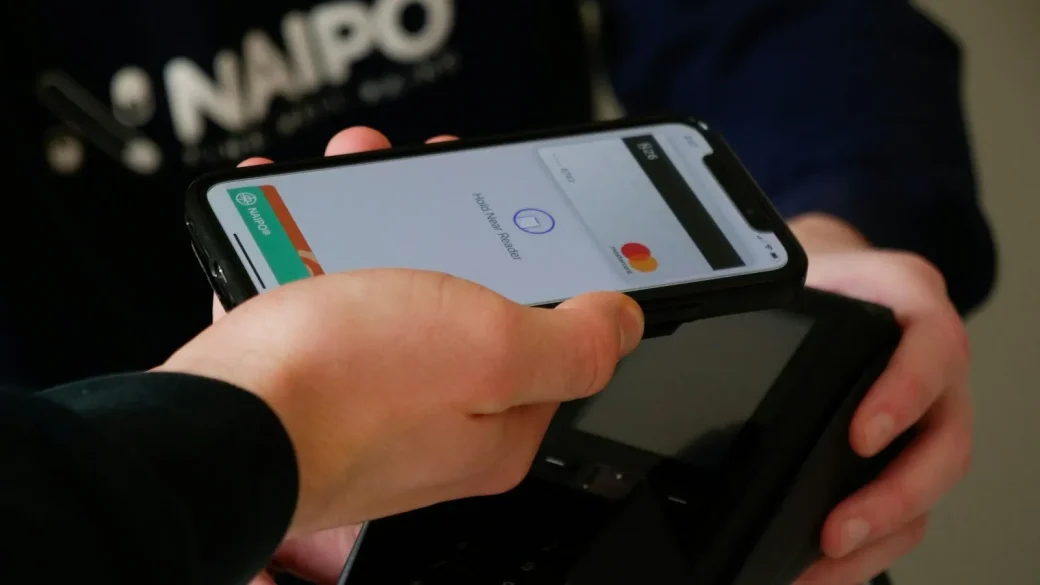
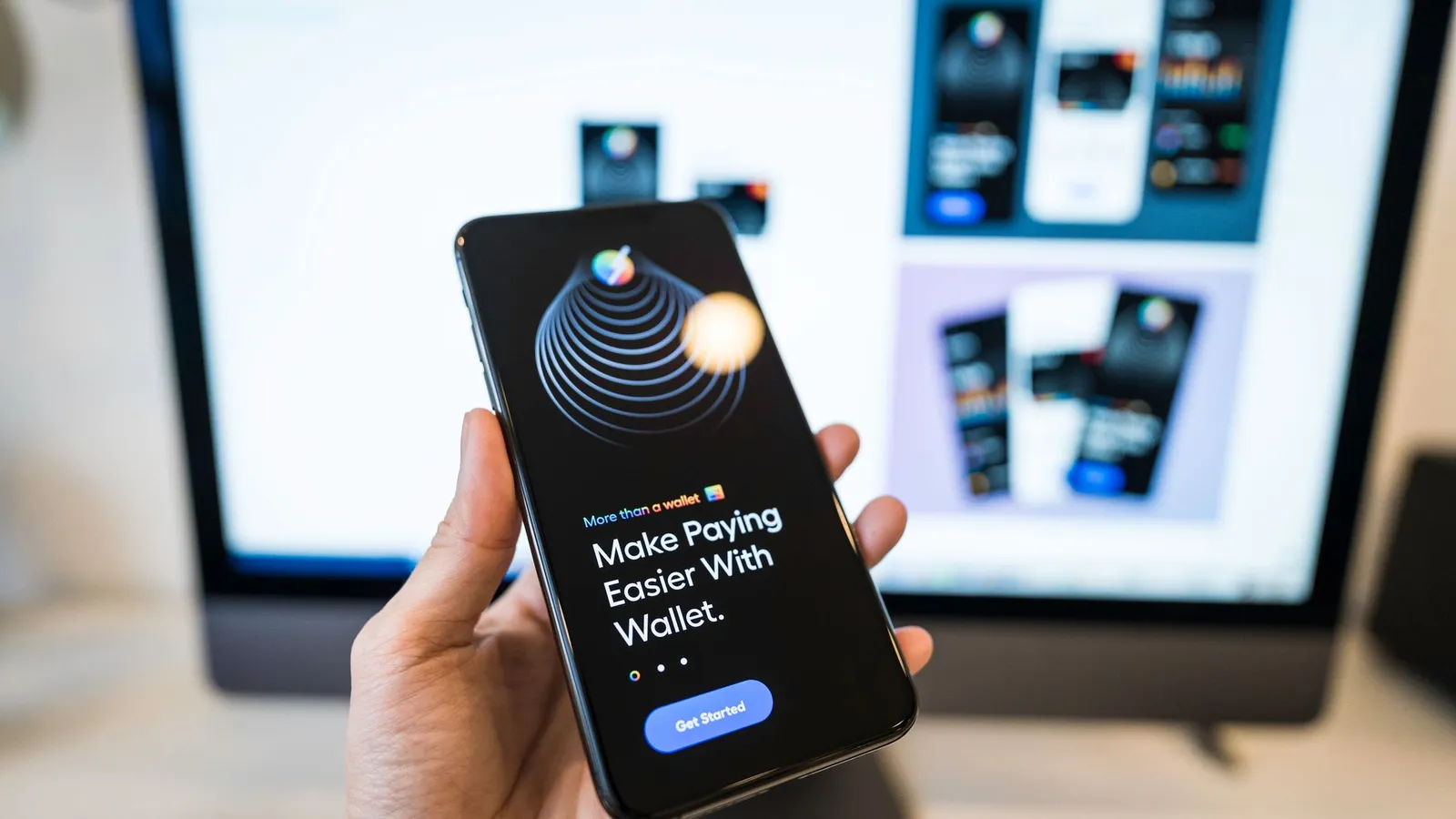
That is why the money apps deserve a second, separate lock. Cash App, Venmo, PayPal, and most mobile wallets all offer an in-app PIN or a fingerprint and face requirement. Turning it on means a thief needs two secrets, not one.
Use biometrics for the app lock where you can. A fingerprint or face check is both faster for you and harder for a shoulder-surfer to steal than a typed PIN. Keep a PIN as the backup, and make it different from your phone’s passcode.
Turn on alerts so you hear about trouble instantly
Speed is your friend. The faster you learn about an unexpected payment, the faster you can freeze the card and dispute it.
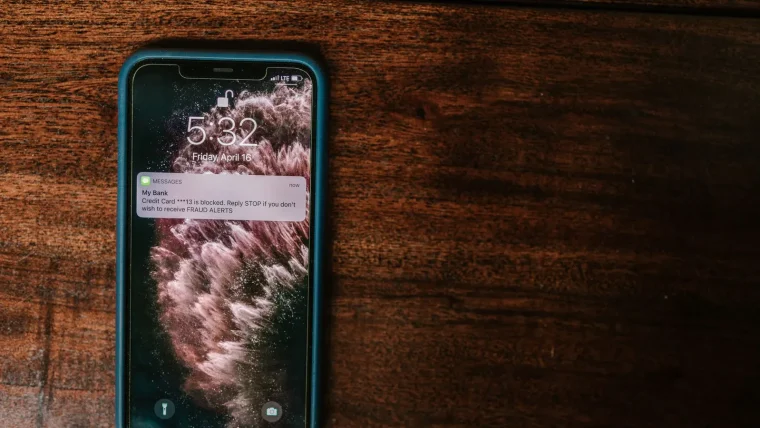
In each payment app, enable notifications for every transaction. Then do the same in your bank app for the linked account. Getting two pings for one payment is not annoying, it is a safety net.
This pairs naturally with the alert setup in our guide to bank and card fraud alerts, and it fits the broader plan in protecting your money and identity online.
Choose what money the app can actually reach
Here is a habit that limits the damage of any single breach: control how much is reachable in the first place.
Keep only a small working balance in apps like Venmo or Cash App. Money sitting in a payment app is often not protected the way a bank deposit is, so cash it out to your bank regularly rather than letting it pile up.
When you link a funding source, a credit card gives you stronger fraud protection and dispute rights than a debit card or a direct bank link. Our overview of safer payment methods for online buys explains why that layer matters so much.
Peer payments like Venmo, Cash App, and Zelle are usually instant and irreversible. There is often no dispute button if you send money to a scammer, because you technically authorized it. Double-check the recipient’s exact username before you hit send, every time.
Lock down the privacy settings you never checked
Payment apps leak more than money. By default, some show your transactions or your full name to people who look you up.
Venmo, for example, historically defaulted to a public feed. Open the privacy settings and set your past and future transactions to “private.” While you are there, review who can find you by phone number or email, and tighten it.
A mistake I see constantly is people keeping a public payment feed for years, not realizing strangers can map their spending, their friends, and their routines. Two minutes in settings closes that window.
Watch the notes and emojis you attach
Payment notes seem harmless, but they leak habits. A public note that says “rent” tells a stranger where you live, and one that says “cabin weekend” tells them your house is empty. Keep notes vague, or set the feed to private so nobody but the recipient sees them.
The same goes for your username and profile photo. Using your full legal name plus a clear headshot makes you easy to find and easier to impersonate. A first name and initial is plenty for friends to recognize you.
| Setting | Safer choice | Why |
|---|---|---|
| App lock | Biometric plus a unique PIN | Second wall if the screen is already open |
| Transaction alerts | On for every payment | Catch fraud in seconds |
| Stored balance | Small, cashed out often | Less to lose in a breach |
| Funding source | Credit card where allowed | Stronger dispute rights |
| Transaction feed | Private | Hides your spending from strangers |
Prepare for the day the phone goes missing
A lost phone is the real test of your setup. Prepare now so it is a nuisance instead of a disaster.
Make sure your phone’s own lock and its find-my-device feature are on, so you can remotely lock or wipe it. Know how to reach each payment app’s support to freeze your account from another device. Apple’s and Google’s help centers both explain remote lock; Apple’s guide to a lost or stolen iPhone is a good starting point.
Keep two-factor authentication on for every payment app so a thief cannot log in from a fresh device. If money did move, act fast and follow our steps to dispute a fraudulent charge and win.
Your afternoon checklist
- Turn on an in-app PIN or biometric lock for every payment app and wallet.
- Enable transaction notifications in each app and in your bank app.
- Cash out large balances and keep only what you need day to day.
- Switch funding to a credit card where the app allows it.
- Set your transaction feed and profile to private.
- Confirm two-factor authentication is on for each payment app.
- Verify find-my-device is active so you can remotely lock the phone.
- Save each app’s support contact so you can freeze accounts fast.
None of this makes payment apps less convenient. It just means the day your phone goes missing, the person holding it finds a locked box instead of your bank account.