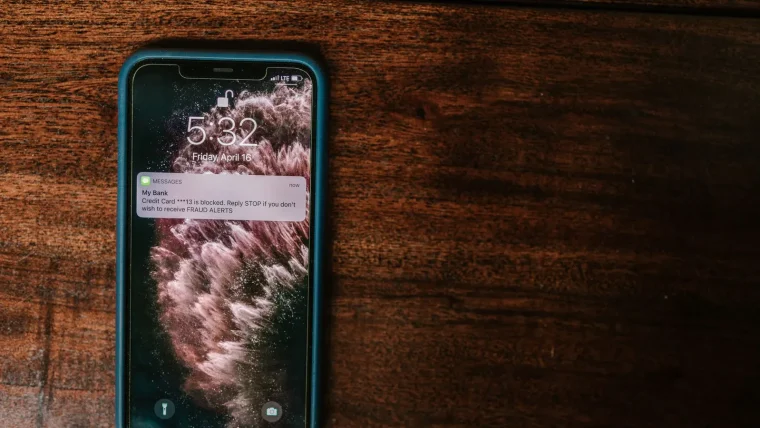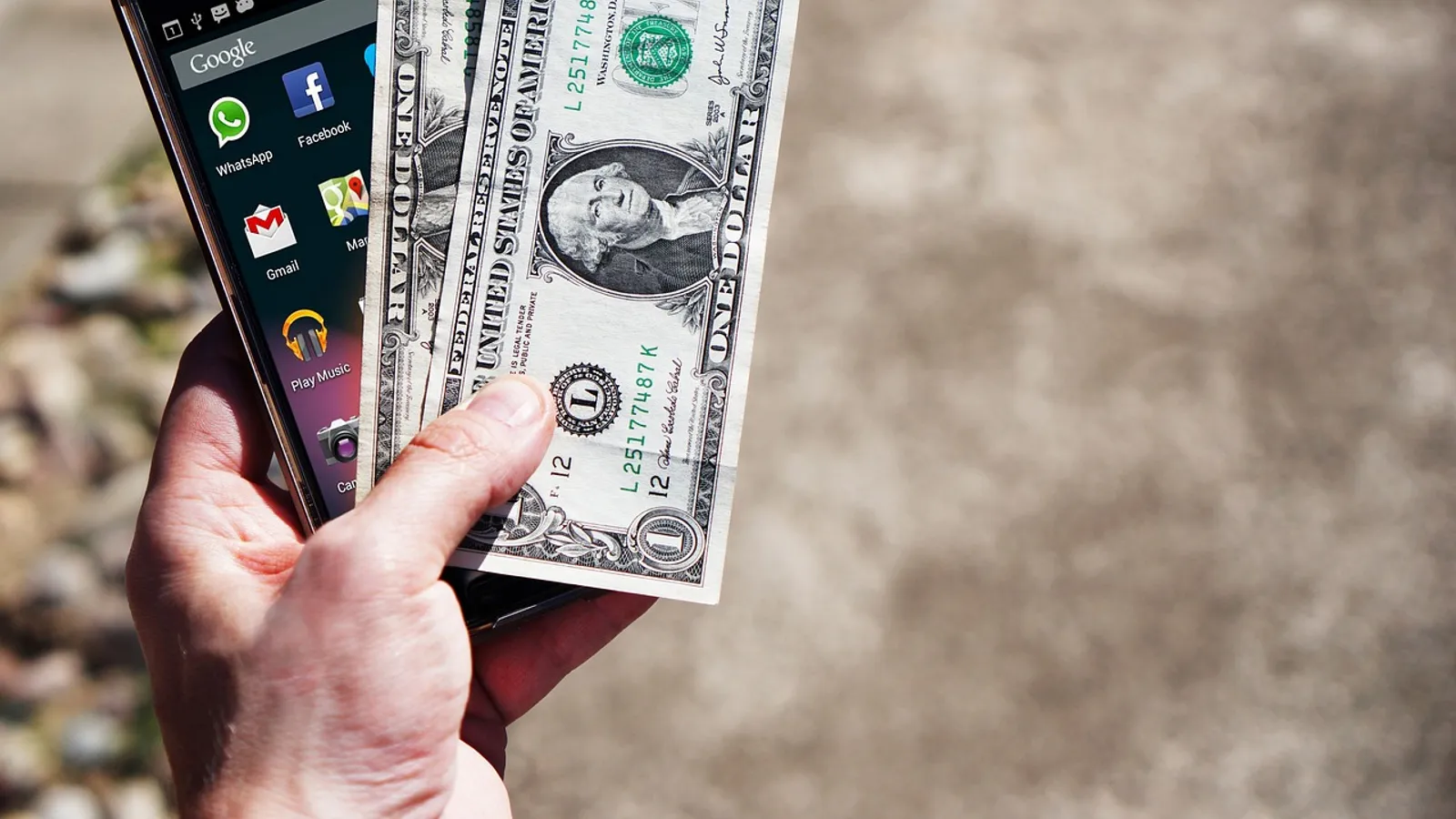
You list a couch on Facebook Marketplace. A buyer messages within minutes, eager and friendly, and says they will “Zelle you right now.” Seconds later a very official-looking email arrives saying the payment is on hold until you upgrade to a business account, and to do that you need to send them $300 first. Your gut says something is off, but the email has the right logo and the buyer sounds so normal.
That trick, and a dozen like it, drains real money from real people every single day. The apps themselves are fine. The problem is that they move cash instantly and, once it lands, it is almost impossible to claw back.
Key takeaways
- Peer payment apps like Venmo, Cash App, and Zelle are built for sending money to people you already know and trust, not strangers.
- Most scams work by creating urgency or by faking a “problem” you have to fix by sending money.
- A sent payment is usually gone for good, so the only real defense is stopping before you tap send.
- Turning on a PIN, alerts, and payment confirmations closes the doors scammers use most.
Why these apps are a scammer’s favorite tool
Peer-to-peer payment apps were designed to feel like handing cash to a friend. That is exactly why they get abused.
When you send money on Zelle or Cash App, it typically moves in seconds and settles straight into the other person’s bank. There is no 30-day dispute window like a credit card. There is no friendly agent who reverses it. If you were tricked into pressing send, the money is treated as a payment you chose to make.
Banks and the apps have repeated one line for years: they will not reverse an authorized transfer. Scammers know this better than most customers do, so they focus all their energy on getting you to press send yourself. For the bigger picture on how thieves target your accounts, our overview of protecting your money and identity online is a good place to start.
The five scams that catch the most people
Almost every peer payment scam is a remix of a handful of scripts. Learn the shapes and the specific wording stops mattering.
The “accidental payment” reversal
A stranger sends you $500, then messages in a panic saying it went to the wrong person and please send it back. The original money often came from a stolen card or hacked account. When the real owner disputes it, the app pulls that $500 back out of your balance. If you already “returned” it, you are now out $500 of your own.
Never return money that arrived unexpectedly by sending a new payment. Contact the app’s support, let them investigate, and let the transfer reverse on its own if it was fraudulent.
The fake “you got paid” notification
You are selling something, and the buyer shows you a screenshot or an email that looks like a payment receipt. Your actual balance has not changed. The email is spoofed, or the screenshot is edited. They walk off with your item and you got nothing.
The “upgrade your account” request
This is the couch story from the top. The scammer claims your account cannot receive their large payment until you send a fee to “activate” a business tier. Real payment apps never ask you to send money to receive money.
The impersonated support agent
You search for Cash App’s phone number, call a number from an ad, and reach a “representative” who asks you to confirm your login, read a code aloud, or send a “test payment.” That is a scammer running a fake help desk. Real support will never ask for your PIN, your full login, or a payment.
The prize, deposit, or overpayment hook
You “won” a giveaway but must send a small fee to release it. Or a renter overpays and asks for the difference back. The pattern is always the same: money must leave your account first, based on money that never truly arrives.
The one habit that stops most losses
A mistake I see constantly is people treating a send button like a text message: fast, casual, reversible. It is none of those things.
Before any payment to someone you did not personally set up a deal with in the real world, pause and ask one question: am I sending money to get money, or to fix a problem a stranger created? If yes, it is a scam. Full stop.
Give yourself a personal rule: no payment to a new person goes out until you have waited ten minutes and reread the request out loud. Urgency is the scammer’s oxygen, and a short pause smothers it.
For sales, prefer a method that gives you buyer or seller protection when you deal with strangers. Our guide to shopping online safely with any card covers when a credit card beats an instant transfer.
Lock down the app itself
A few settings turn your payment app from wide open into something a scammer has to work much harder against.
| Setting | Where to find it | Why it matters |
|---|---|---|
| App PIN or Face ID lock | Security or Privacy settings | Stops anyone holding your open phone from sending money. |
| Payment confirmation prompt | Payment or Send settings | Adds a “are you sure” step that catches typos and rushed sends. |
| Instant transaction alerts | Notifications | You see every payment the moment it happens, so surprises get caught fast. |
| Private profile | Privacy settings | Hides your payment history and contacts from strangers. |
| Two-factor login | Account security | Blocks a thief who has your password from taking over the account. |
When I set this up for my dad, the biggest win was turning on alerts. He now sees a buzz on his phone for every dollar that moves, which means a stray payment cannot sit unnoticed for days. For deeper protection across all your money apps, see our walkthrough on protecting your payment apps and wallets.
The U.S. Federal Trade Commission tracks these schemes and publishes plain-language warnings. If you want to see the latest tactics, their consumer site at consumer.ftc.gov is worth a bookmark.
What to do if you already sent money
Speed is your only real lever once a payment leaves. Act within minutes, not hours.
Open the app and check whether the payment is still pending; some can be canceled if the recipient has not enrolled yet. Then call your bank’s fraud line, not a number from a search ad, and report it as fraud. File a report with the FTC at reportfraud.ftc.gov so there is an official record.
Do not send a second payment to “get the first one back.” That is a follow-up scam, and it doubles the loss. If a scammer got any of your login details, change your password and turn on two-factor login right away.
Your afternoon checklist
- Open each payment app and turn on a PIN or Face ID lock.
- Enable a payment confirmation prompt so no send goes out without a second tap.
- Switch on instant notifications for every transaction.
- Set your profile and payment history to private.
- Turn on two-factor login for each app and its linked bank.
- Save your bank’s real fraud number in your contacts, straight from the back of your card.
- Write yourself a sticky note: never send money to receive money.
- Tell one family member the “wait ten minutes” rule so they use it too.
None of this makes you paranoid. It just means the next time a stranger insists you pay them right now to fix a problem you never had, the pause you built in gives your common sense a chance to win. That pause is worth more than any app setting.