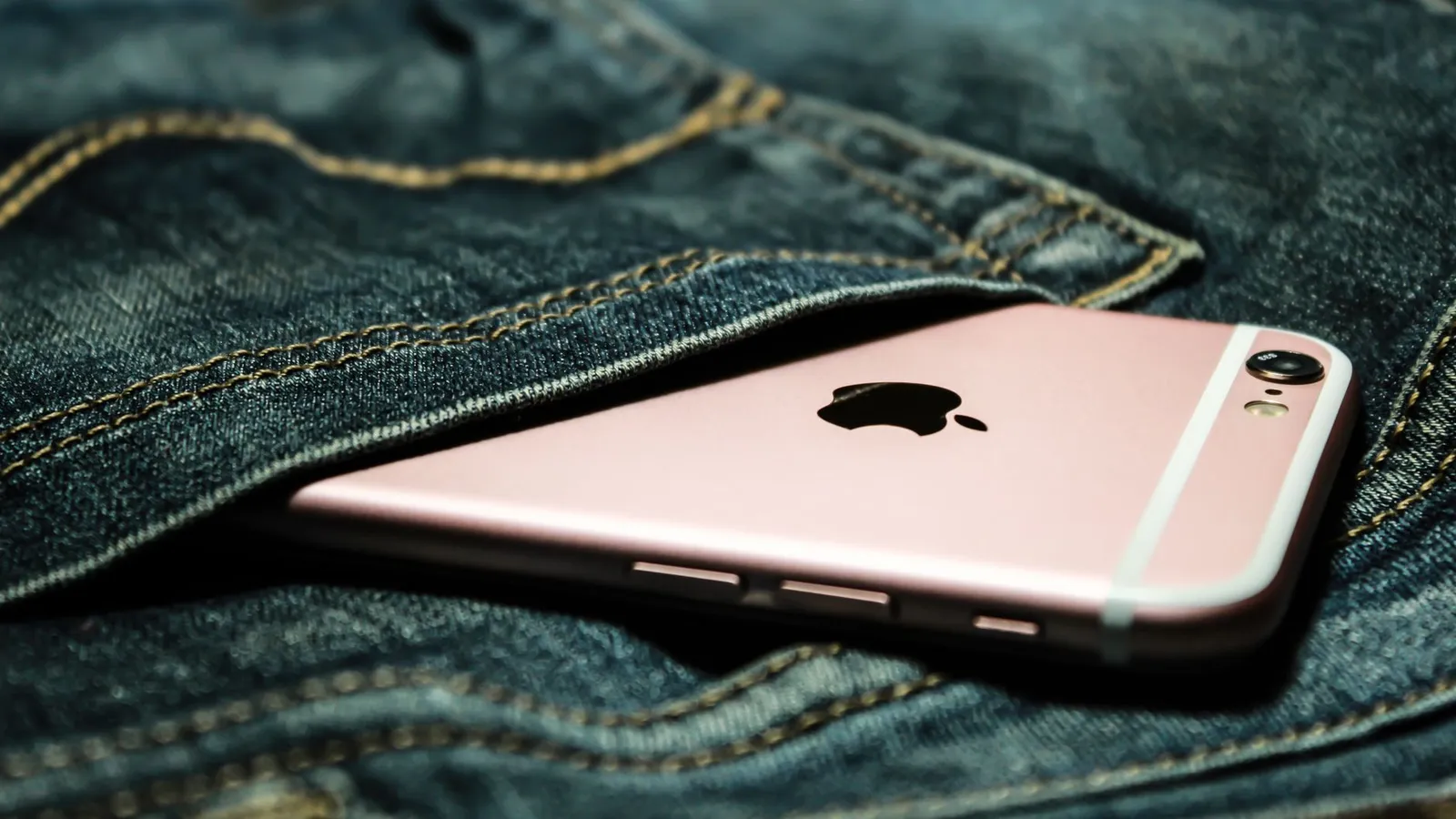
You pat your pocket at the bus stop and it is empty. The phone that holds your photos, your banking app, your work email, and the text codes that guard every account you own is gone. Your heart drops.
The next ten minutes matter more than you think. A phone thief is not usually after the hardware. They want the accounts inside it, and speed is your best defense.
Key takeaways
- Act within the first hour: locate, lock, and message the phone from any browser before you do anything else.
- Change the password to your main email account first, because it can reset every other login.
- Only erase the phone remotely once you have given up on getting it back, since wiping usually stops future tracking.
- Call your carrier to suspend the SIM so a thief cannot receive your text message codes.
- File a police report and note the IMEI number, which insurers and some carriers will ask for.
Move fast in the first hour
The single most useful thing you can do is open your phone’s tracking service from another device. On an iPhone that is Find My, reachable at icloud.com/find. On Android it is Google’s Find Hub, at google.com/android/find. A friend’s phone, a library computer, or your laptop all work.

Sign in with the same account the missing phone uses. You will see a map with its last known location, plus buttons to play a sound, mark it as lost, or erase it. Resist the urge to erase right away. A locked phone that can still be tracked is far more useful than a wiped one.
If the phone slipped out of your bag at a cafe you left twenty minutes ago, the sound feature alone might recover it. I once found my own phone wedged in a car seat this way, ringing at full volume while I stood in the driveway feeling foolish and relieved.
Set your phone’s lock screen to show an emergency contact number or a short “if found, please call” message. Both Find My and Find Hub let you display a phone number on the locked screen, which turns a good samaritan into your fastest recovery route.
Lock it, do not wipe it yet
Use “Mark As Lost” (iPhone) or “Secure device” (Android). This locks the screen with your passcode, suspends any tap-to-pay cards, and keeps the phone traceable. A thief now sees a locked slab of glass, not your open apps.
Locking also disables notifications on the lock screen, so your two-factor codes stop flashing up for anyone holding the device. If you had already set a strong passcode and a proper lock screen, you bought yourself a real head start. Our guide to a stronger phone lock screen setup covers how to get there before you ever need it.
When erasing is the right call
Once you accept the phone is not coming back, or if it holds highly sensitive work data, erase it remotely. Understand the trade-off: on most phones a full wipe ends your ability to track it. Do it only after you have exhausted recovery, or if the stakes clearly demand it.
Protect the accounts, not just the device
Here is the mistake I see constantly: people spend an hour trying to locate the phone and forget that their logins are the real prize. The device is replaceable. Your drained bank account is not.
Start with the account that controls all the others.
| Account | Why it matters | First action |
|---|---|---|
| Primary email | Resets passwords for everything else | Change password, sign out all devices |
| Online banking | Direct access to your money | Change password, call the bank’s fraud line |
| Password manager | Holds every other login | Change master password immediately |
| Apple / Google account | Controls the phone and backups | Change password, review trusted devices |
| Social media | Used to scam your contacts | Change password, log out other sessions |
For each one, change the password from a computer and use the “sign out of all sessions” option where it exists. That kicks the phone out even if the thief has somehow gotten past the lock screen.
If your two-factor codes arrive by text message, a stolen SIM means a thief can receive them. This is exactly why an app-based code beats a text, and why locking down email first (before the thief can) is so urgent.
Call your carrier and suspend the SIM
Phone your mobile carrier and ask them to suspend the line. This stops calls, data, and (most importantly) the text message codes tied to your number. Most carriers can do this in a few minutes, and they can reactivate the same number onto a new SIM later.
Suspending the SIM also blocks a thief from running up international charges. Keep your account PIN handy, because the carrier will ask to verify it is really you.
Report it and record the details
File a police report. It rarely recovers the phone, but insurers, banks, and some carriers require a report number before they will help. Note the make, model, and the IMEI number, a unique 15-digit ID you can find on the box, on a previous bill, or by searching your Google or Apple account.
If you have phone insurance or coverage through a card or carrier plan, the report number and IMEI are usually what a claim needs. Keeping regular backups means a replacement phone can be restored in an evening, which is one more reason our advice on how to back up your data pays off long before disaster strikes.
Watch for the follow-up scam
A day or two later you may get a text or email saying “Your lost iPhone has been found, sign in here to see the location.” It is a phishing trap aiming for your account password. Real tracking services never ask you to log in through a link in a message. Go to icloud.com or google.com directly instead, and if you want to report the attempt, the FTC explains how at its guide to avoiding phishing scams.
Your afternoon checklist
- Open Find My (icloud.com/find) or Find Hub (google.com/android/find) from another device and locate the phone.
- Mark it as lost or secured so the screen locks and payment cards freeze.
- Change your primary email password first, then banking and your password manager.
- Use “sign out of all sessions” on every important account to eject the phone.
- Call your carrier and ask them to suspend the SIM and your number.
- File a police report and write down the IMEI and model for insurance.
- Only erase the phone remotely once you have given up on getting it back.
- Ignore any “we found your phone” message with a login link; it is a scam.
A missing phone is a bad afternoon, not a catastrophe, as long as you protect the accounts before the thief does. The people who recover calmly are almost always the ones who set up tracking and backups ahead of time. If you take one lesson from this, let it be that. Start with the wider device security basics and turning on device tracking before you lose anything, and a stolen phone becomes a chore instead of a crisis.