Walk through any electronics aisle and the boxes practically glow with promise. A doorbell that shows you the delivery driver. A speaker that plays anything you ask. A plug that turns the lamp on before you get home. Each one is genuinely useful, and each one is also a tiny computer that wants a spot on your home network.
Smart gadgets are not scary, but they are not neutral either. Every device you add is another camera, microphone, or data collector inside your walls. Knowing what each one actually risks lets you enjoy the convenience with your eyes open.
Key takeaways
- Every smart device is a small computer with a microphone, camera, or data feed pointed at your home.
- Cameras and microphones carry the highest risk, so they deserve the most care.
- Cheap no-name brands often skip security updates, which is where trouble usually starts.
- Change the default password, keep the firmware updated, and put gadgets on a guest network.
The one habit that protects every gadget on this list
Before the countdown, here is the rule that applies to all ten. Whatever you buy, change its default password immediately, keep its app and firmware updated, and check whether the maker still supports it.
A device that stops getting updates becomes a soft spot in your network over time. Putting your smart gadgets on a separate guest network keeps them walled off from your laptop and phone, which is one of the core moves in our guide to securing your smart home devices.
The gadgets, ranked by how much they can reveal
1. Security cameras and video doorbells
These sit at the top because a hacked camera is a stranger’s window into your home. Weak passwords and old firmware are the usual way in, and there have been real cases of strangers watching and even talking through hijacked cameras.
Always set a strong, unique password and turn on two-factor authentication. Cameras deserve their own deep dive, which is why we wrote a full guide to keeping your smart cameras from being hacked.
2. Smart speakers and voice assistants
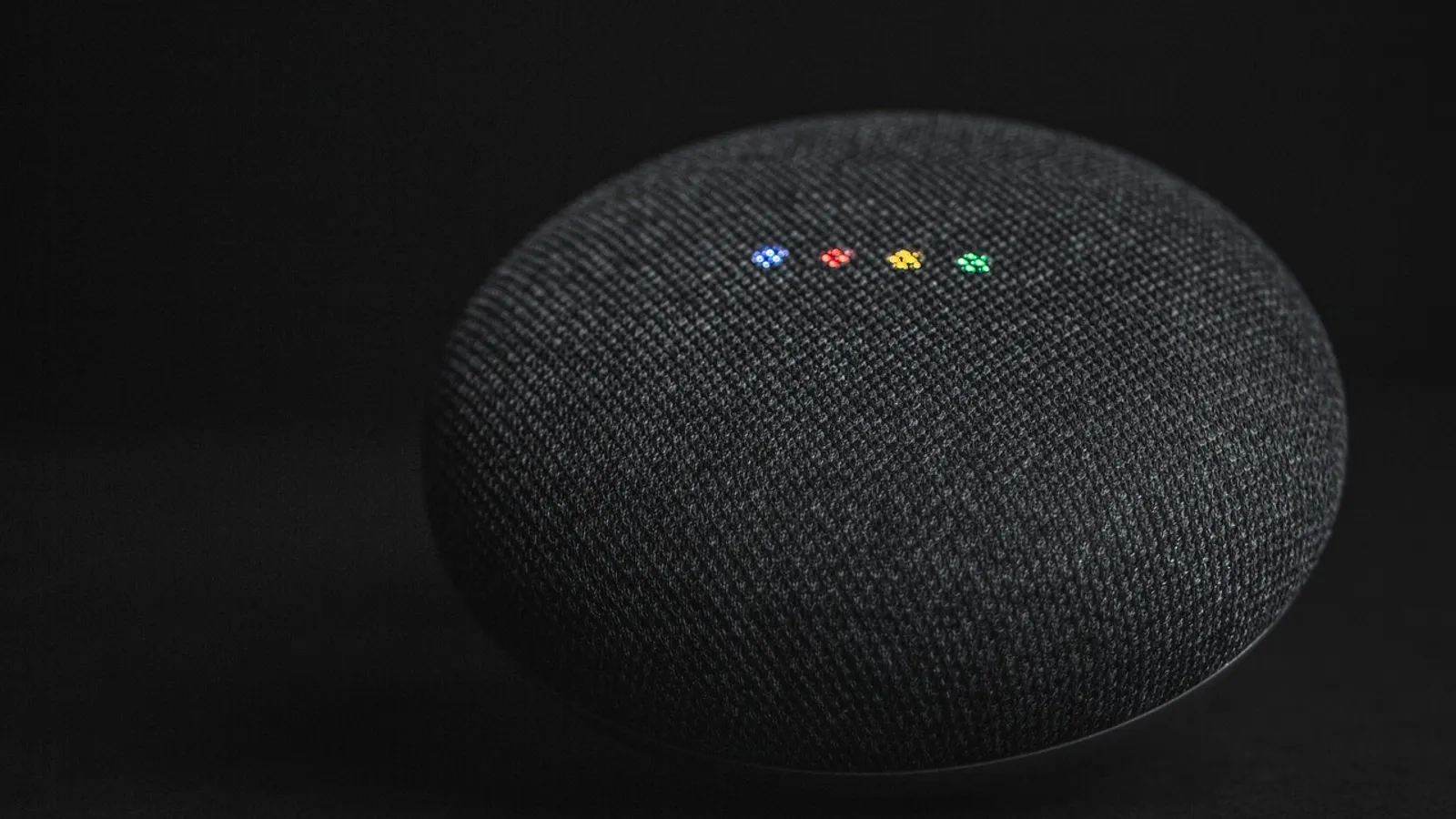
A speaker with an always-listening microphone is convenient and a little unsettling. It records snippets when it thinks it heard the wake word, and those clips may be stored on company servers.
Mute the mic when you want privacy, and dig into the app to delete stored voice recordings and turn off human review of your clips.
3. Baby monitors
A modern baby monitor is really a camera and microphone aimed at the most vulnerable room in your house. The same risks as security cameras apply, with even higher stakes.
Buy from a known brand, change the default password on day one, and make sure it uses an encrypted connection rather than an open feed.
The cheapest no-name camera or monitor is often the riskiest. Many ship with hardcoded default passwords and never receive a single security update. A slightly pricier device from a company that patches its firmware is worth every dollar.
4. Smart TVs
Your television watches back. Many smart TVs use a feature called automatic content recognition to track what you watch and sell that profile to advertisers, and some have built-in cameras and mics.
Dig into the privacy settings and turn off viewing data collection, sometimes labeled ACR. If the TV has a camera you never use, cover it or disable it.
5. Smart plugs and switches
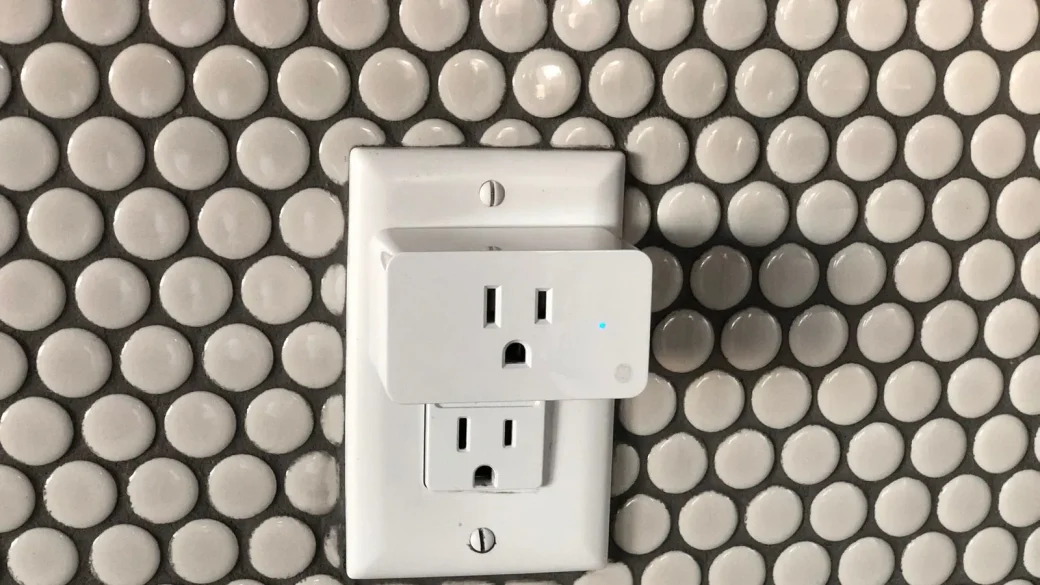
These are low-risk on their own, since a plug cannot see or hear you. The concern is that a poorly secured plug can be a foothold onto your network for an attacker to reach juicier devices.
Stick to reputable brands and keep the app updated. That is genuinely most of the job for this category.
6. Smart thermostats
A thermostat learns your schedule, which quietly reveals when your home is empty. That pattern data is valuable and worth protecting.
Secure the account with a strong password and two-factor authentication, and review what data the app shares with third parties.
7. Smart locks
A lock you can open from your phone is handy, but it turns your front door into a networked device. A compromised account could, in theory, open your home to a stranger.
Use a long unique password and two-factor, and check that the lock has a physical key backup for when the battery dies or the app fails.
8. Fitness trackers and smartwatches
These collect a remarkably intimate stream: your location, heart rate, sleep, and daily movements. That data paints a detailed picture of your life and health.
Review the app’s privacy settings, limit location sharing, and be cautious about connecting the tracker to other apps that then inherit your data.
9. Smart TVs’ quieter cousins: streaming sticks
Streaming devices track your viewing habits much like smart TVs do and tie them to an advertising profile. They are low physical risk but real on privacy.
Open the device settings and limit ad tracking and viewing data collection. It takes about two minutes and cuts down the profile they build.
10. Robot vacuums
The newest robot vacuums map your entire home and, in some models, carry cameras. That floor plan is data, and where it gets stored matters.
Choose a brand with a clear privacy policy, keep the firmware updated, and disable the camera or cloud mapping features if you do not need them.
A quick risk-and-fix reference
| Gadget | Main risk | Fastest fix |
|---|---|---|
| Cameras and doorbells | Strangers viewing your feed | Strong password plus two-factor |
| Smart speakers | Stored voice recordings | Mute mic, delete recordings |
| Baby monitors | Unencrypted video feed | Known brand, change default password |
| Smart TVs and sticks | Viewing tracked and sold | Turn off ACR and ad tracking |
| Smart locks | Remote entry if hacked | Two-factor plus a physical key backup |
| Fitness trackers | Location and health data leaks | Limit sharing in the app |
| Robot vacuums | Home map and camera data | Disable camera and cloud mapping |
Before you buy anything, search the model name plus the words “security update.” If you cannot find evidence the maker pushes patches, pick a different device. A brand that never updates is selling you a gadget that only gets less safe.
What to check before you plug anything in
A device is only as safe as its setup. When I bring a new gadget home, I run the same short routine before it ever touches the main network.
Change the default password, create an account with a unique password from your manager, turn on two-factor if offered, and install the latest update. Then place it on the guest network so it cannot reach your computers and phones.
All of this fits inside the bigger household picture we map out in our home and family cybersecurity basics. For a plain-language checklist on securing connected devices, the Cybersecurity and Infrastructure Security Agency offers solid guidance at cisa.gov.
Your afternoon checklist
- List every smart device already in your home and note which have cameras or mics.
- Change the default password on each one to a unique password from your manager.
- Turn on two-factor authentication for cameras, locks, thermostats, and baby monitors.
- Open your smart speaker and TV settings and disable voice storage and ACR tracking.
- Update the firmware and app on every device.
- Move all your smart gadgets onto a guest Wi-Fi network.
- Retire any device the maker no longer supports with security updates.
- For future buys, check for “security update” support before you pay.
Smart gadgets can make a home genuinely more comfortable, and there is no need to swear them off. Buy from makers who patch their products, lock each device down on the first day, and keep them fenced off on a guest network. Do that, and the convenience stays yours alone.