Almost everyone has opened a private window for a reason they would rather not say out loud. Gift shopping for a partner who shares the laptop. A medical question at midnight. A little tab you would rather your search history forget. The little masked icon feels like a cloak.
Here is the part the icon does not advertise: private browsing hides a lot less than most people assume. Knowing where the cloak has holes is the difference between real privacy and a comforting illusion.
Key takeaways
- Private or incognito mode mainly hides your activity from other people using the same device.
- It does not hide you from websites, your internet provider, your employer, or your school.
- Trackers and fingerprinting can still recognize you, and downloads and bookmarks still stick around.
- For real privacy, you need tracker blocking and other tools, not just an incognito tab.
What private browsing actually hides
Private browsing has one honest, useful job: it keeps your activity off the local device. When you close the window, the browser forgets the history, the cookies, and anything typed into forms during that session.
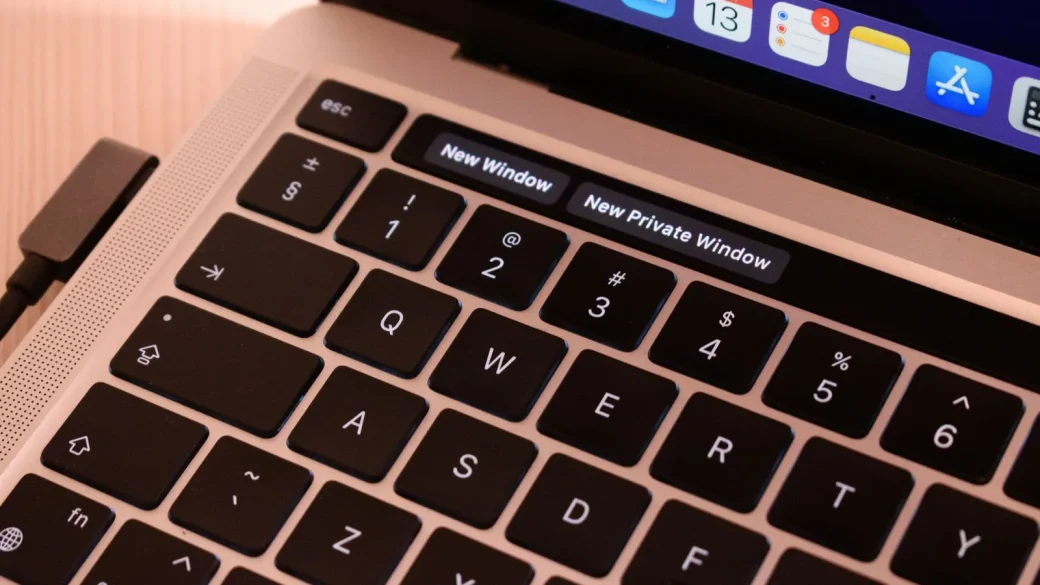
That is genuinely handy in the right situation. If you share a family computer, a private window means the next person will not see the surprise party venue in your history. If you log into a second account, the session stays separate from your main one.
So the tool is not fake. It just solves a smaller problem than the marketing imagery of masks and shadows implies. It protects you from the people around you, not from the wider internet.
Google’s own incognito screen spells this out in the fine print: your activity might still be visible to the websites you visit, your employer or school, and your internet service provider. The browser is being honest; most people just skim past it.
What it very much does not hide
This is where the illusion breaks, and it is worth being blunt about each gap.
Your internet provider still sees your traffic
Incognito does nothing to your connection. Your internet provider can still log the sites you visit, exactly as it would in a normal window. Private mode is a local setting, not a network one.
Websites still know it is you
The second you log into an account, the site knows precisely who you are. Even without logging in, sites use techniques like fingerprinting, which combines your screen size, fonts, and settings into a near-unique signature that survives a private window.
Your employer or school can watch
On a work or school network, or on a device they manage, administrators can often see your activity through the network itself. A private tab does not touch any of that monitoring.
Downloaded files and bookmarks you create in private mode do not vanish when you close the window. If discretion is the point, remember that a file you saved is sitting in your downloads folder for anyone to find.
The one myth that causes real trouble
The most damaging belief is that incognito makes you anonymous or untraceable. It does neither.
People sometimes use a private window thinking it hides them while doing something sensitive on a monitored network, or that it stops advertisers from tracking them. Both assumptions can backfire. The window clears your local history and nothing more; the tracking machinery outside your device keeps humming along.
If your goal is to stop advertisers from following you around, private mode is the wrong tool. You want dedicated tracker blocking, which we cover step by step in our guide to blocking web trackers while you browse.
Incognito versus real privacy tools
It helps to see private browsing next to the tools that actually address each concern. They solve different problems, and you often want more than one.
| Concern | Does incognito help? | Better tool |
|---|---|---|
| Hiding activity from others on your device | Yes | Incognito is fine |
| Stopping cross-site ad tracking | Barely | A tracker blocker |
| Hiding browsing from your provider | No | A trustworthy VPN |
| Keeping searches private | No | A private search engine |
| Reducing your data footprint overall | No | Permissions and broker removals |
Think of incognito as a whiteboard eraser, not a disguise. It wipes what you wrote on this device when you leave, but everyone who was watching the room still saw it happen.
How to actually browse more privately
If you want the privacy that incognito only pretends to offer, you combine a few real tools. None of them are hard.
Start with a browser that blocks trackers by default, or add a reputable content blocker to the one you have. That single change does more for everyday privacy than a hundred incognito sessions. When I switched a friend to a tracker-blocking browser, she was stunned that the ads for a chair she looked at once finally stopped following her.
Next, decide whether hiding your browsing from your internet provider matters to you. If it does, a VPN is the tool for that specific job, and our primer on whether you really need a VPN helps you decide honestly. Then handle the cookie banners you meet all day with the approach in our guide to handling cookie consent pop-ups the right way, and layer these habits into the broader routine in online privacy basics you can control.
For a clear, independent explanation of what browsers do and do not protect, the Electronic Frontier Foundation keeps an approachable guide at ssd.eff.org.
Your afternoon checklist
- Open your browser’s private window once and read the fine print about what it does not hide.
- Keep using incognito for its real job: shielding activity from others on a shared device.
- Install a reputable tracker blocker or switch to a browser that blocks trackers by default.
- Decide if hiding browsing from your provider matters, and consider a VPN only if it does.
- Try a private search engine for the searches you would rather not have logged.
- Remember that downloads and bookmarks from private mode stay on your device.
- Combine these tools instead of trusting any single one to do the whole job.
Private browsing is a fine little feature that got saddled with expectations it can never meet. Use it for what it truly does, add the real tools for everything else, and you will be far more private than the masked icon ever promised.