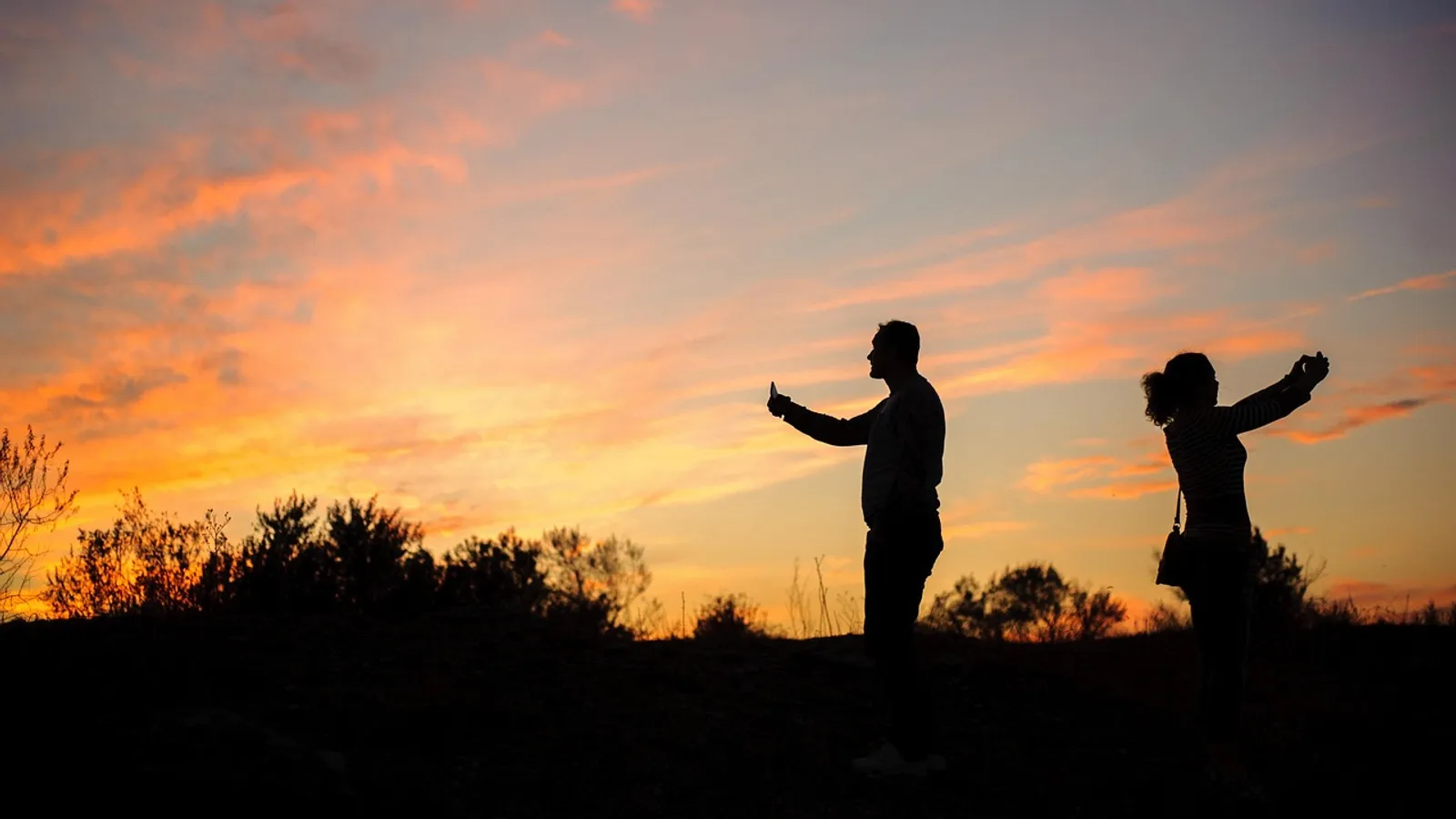
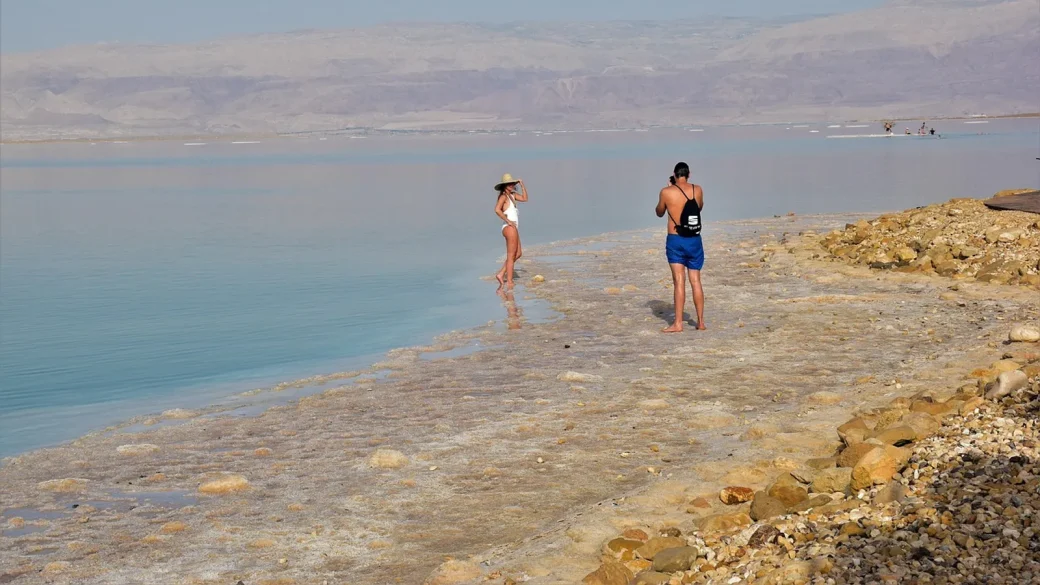
A friend of mine posted a sunny beach photo with the caption “One week of paradise, no wifi, no worries.” It got 40 likes. It also told everyone that her house sat empty for seven days, and the geotag pointed straight to a quiet suburb where the neighbors were also away.
Nothing bad happened to her. But that post is a tidy example of how a normal, cheerful update quietly hands strangers a map to your life. Most oversharing is not dramatic. It is small, friendly, and adds up.
Key takeaways
- The most damaging posts feel harmless: travel plans, kids’ details, and answers to security questions hidden in fun quizzes.
- Scammers and burglars do not need much. A first pet’s name, a birthday, and a workplace go a long way.
- You can keep sharing your life. The goal is to remove the few details that turn a photo into a target.
- A 30-minute cleanup of old posts plus a couple of new habits covers most of the risk.
Why oversharing works so well against you
Scammers build trust with details. When a caller already knows your name, your bank, and the town you grew up in, your guard drops. Every one of those facts might be sitting in a public post.
Think about the classic “security questions.” Your mother’s maiden name, your first car, the street you grew up on, your first pet. People post exactly these answers all the time, usually inside a nostalgic photo or a chirpy quiz that says “Comment your first concert.”
Those quizzes are not always innocent. Some exist purely to farm the kind of trivia that resets passwords. When I set up my aunt’s accounts, I found she had answered four of these in one afternoon, and three matched her actual bank security questions.
Any post that asks for your first pet, first car, childhood street, or high school is worth skipping. Those are the same prompts your bank uses to verify you.
The everyday posts that give away too much
You do not need to go silent. You just need to know which categories carry hidden risk so you can share around them.
Real-time travel
Posting from the airport, or tagging a resort while you are still there, announces an empty home. Post the photos after you get back. The sunset looks just as good on Thursday as it did on Saturday.
Your kids’ identifiable details
A back-to-school photo with the school name on the shirt, the teacher’s name in the caption, and the exact drop-off time is a lot of information about a child. Crop the logo, skip the specifics, and lock the audience down.
Your home and daily routine
Photos that show your house number, your car’s plate, or your regular gym-at-6am schedule build a pattern. One picture is nothing. A steady stream of them is a routine anyone can read.
Documents and screens
Boarding passes, vaccine cards, new-driver’s-license selfies, and “look at my first paycheck” screenshots leak account numbers, barcodes, and full legal names. A boarding pass barcode alone can expose your booking details.
| What you post | What a stranger learns | Safer version |
|---|---|---|
| “At the airport, back in 10 days!” | Your home is empty for 10 days | Post the trip once you are home |
| Kid in a school-logo shirt | Your child’s exact school and grade | Crop the logo, share with family only |
| “My first car was a red Civic” | A password reset answer | Enjoy the memory, keep it offline |
| New house keys and address | Where you live | Celebrate without the street sign in frame |
| Boarding pass photo | Booking code and full name | Cover the barcode or skip the photo |
Tighten who can even see your posts
Reach is the multiplier. A risky detail shared with 12 close friends is minor. The same detail shared publicly can be scraped, saved, and searched by anyone.
Set your default audience to friends or a custom close list rather than public. On most platforms this lives under privacy or audience settings, and you can also change the visibility of past posts in bulk. Our guide to locking down your social media privacy settings walks through each platform’s menus.
Turn off location tagging by default, and review whether your profile shows your workplace, hometown, birthday, and relationship status to strangers. Those four fields together are a scammer’s starter kit.
Search your own name in a private browser window every few months. Seeing what a stranger sees is the fastest way to spot a public post you meant to keep private.
What still leaks even when you are careful
Your own posts are only part of the picture. Friends tag you, group photos name you, and companies you have never heard of buy and resell your details. That last one is worth understanding, because it explains why your data shows up in places you never posted it.
Data brokers assemble profiles from public records, purchases, and yes, social media. If you want the full story, our explainer on removing your info from data brokers covers how these profiles form and how to shrink them.
Search engines also cache what you post. Even after you delete something, a snapshot can linger, which is one reason what incognito actually hides matters less than people think. Private browsing does not un-post anything you already put online.
Fix the past, then change the habit
Cleanup has two halves. First, scrub the old stuff that is already public. Second, build a two-second pause before you post going forward.
The pause is simple. Before you hit share, ask one question: could this help a stranger find me, impersonate me, or reset one of my accounts? If yes, edit it or hold it.
That habit is part of a wider privacy routine. If you want the big-picture version, start with our online privacy basics you can control, which ties oversharing together with permissions and trackers.
The US Federal Trade Commission tracks how stolen personal details fuel identity theft, and their reporting shows how small data points combine into big losses. Their guidance at consumer.ftc.gov is worth a read.
Your afternoon checklist
- Set your default post audience to friends or a custom close list, not public.
- Scroll back through the last year of posts and remove anything with your address, plate, or documents in frame.
- Delete answers to old “first pet, first car, childhood street” quizzes and change any security questions that matched them.
- Turn off automatic location tagging on your phone’s camera and social apps.
- Hide your birthday, hometown, and workplace from public view on each profile.
- Search your own name in a private window and note anything a stranger can see.
- Make it a rule to post travel photos only after you are home.
- Ask friends to untag you from anything that shows your home or routine.
You do not have to disappear to stay safe. Keep posting the parts of your life you love, and just clip off the few details that turn a happy moment into a lead for someone with bad intentions. That small edit is the whole game.